A comprehensive look at what makes VLC the most versatile media player available.
VLC handles files, discs, webcams, devices, and network streams. If it is media, VLC can play it.
VLC includes a complete set of codecs and decoders built in. There is no need to download separate codec packs, plugins, or third-party tools. From the moment you install VLC, you can play virtually any media format.
Whether you have an old AVI file, a modern H.265/HEVC video, a lossless FLAC album, or a network stream, VLC handles it seamlessly.
VLC supports a vast range of audio and video formats natively, without requiring additional downloads.
MPEG-1/2, H.263, H.264 (AVC), H.265 (HEVC), MPEG-4 ASP, DivX, XviD, VP8, VP9, AV1, Theora, WMV 1/2/3, VC-1, Cinepak, DV, MJPEG, Sorenson, Indeo, Real Video, Dirac.
MP3, AAC, Vorbis, Opus, FLAC, ALAC, AC3, E-AC-3, DTS, TrueHD, WMA, Musepack, Speex, Wavpack, TrueAudio, APE, Real Audio, AMR, MIDI, LPCM, ADPCM.
MP4, MKV, AVI, MOV, FLV, OGG, OGM, WMV/ASF, MPEG-TS, MPEG-PS, WebM, 3GP, MXF, Nut, Real Media, WAV, SMF, Creative Voice.
SRT (SubRip), SSA/ASS, MicroDVD, SubViewer, SAMI, VPlayer, VobSub, USF, Closed Captions (CEA-608/708), Teletext, PGS, DVB.
Beyond basic playback, VLC offers a rich set of tools for streaming, conversion, and media management.
GPU-accelerated decoding with zero-copy on supported hardware. Offload video processing to your graphics card for smooth, efficient playback.
Open and play streams from HTTP, RTSP, RTP, UDP, MMS, and other protocols. VLC can also serve as a streaming server.
Convert media files between formats using built-in transcoding. Change containers, codecs, resolution, and bitrate without extra software.
Apply color adjustments, cropping, rotation, deinterlacing, noise reduction, sharpening, and geometric transforms in real time.
10-band graphic equalizer with presets for rock, pop, jazz, classical, and more. Fine-tune audio output with compressor and spatializer effects.
Load external subtitles in SRT, SSA, ASS, and other formats. Adjust timing, font, size, position, and encoding. Supports embedded subtitles too.
Change the look of VLC with downloadable skins. Extend functionality with Lua-based extensions from the official VLC addon repository.
Record your desktop screen or capture video from a webcam directly within VLC. Useful for quick recordings without third-party tools.
No telemetry, no user tracking, no advertisements. VLC is fully open-source under the GPL license. Your media habits stay private.
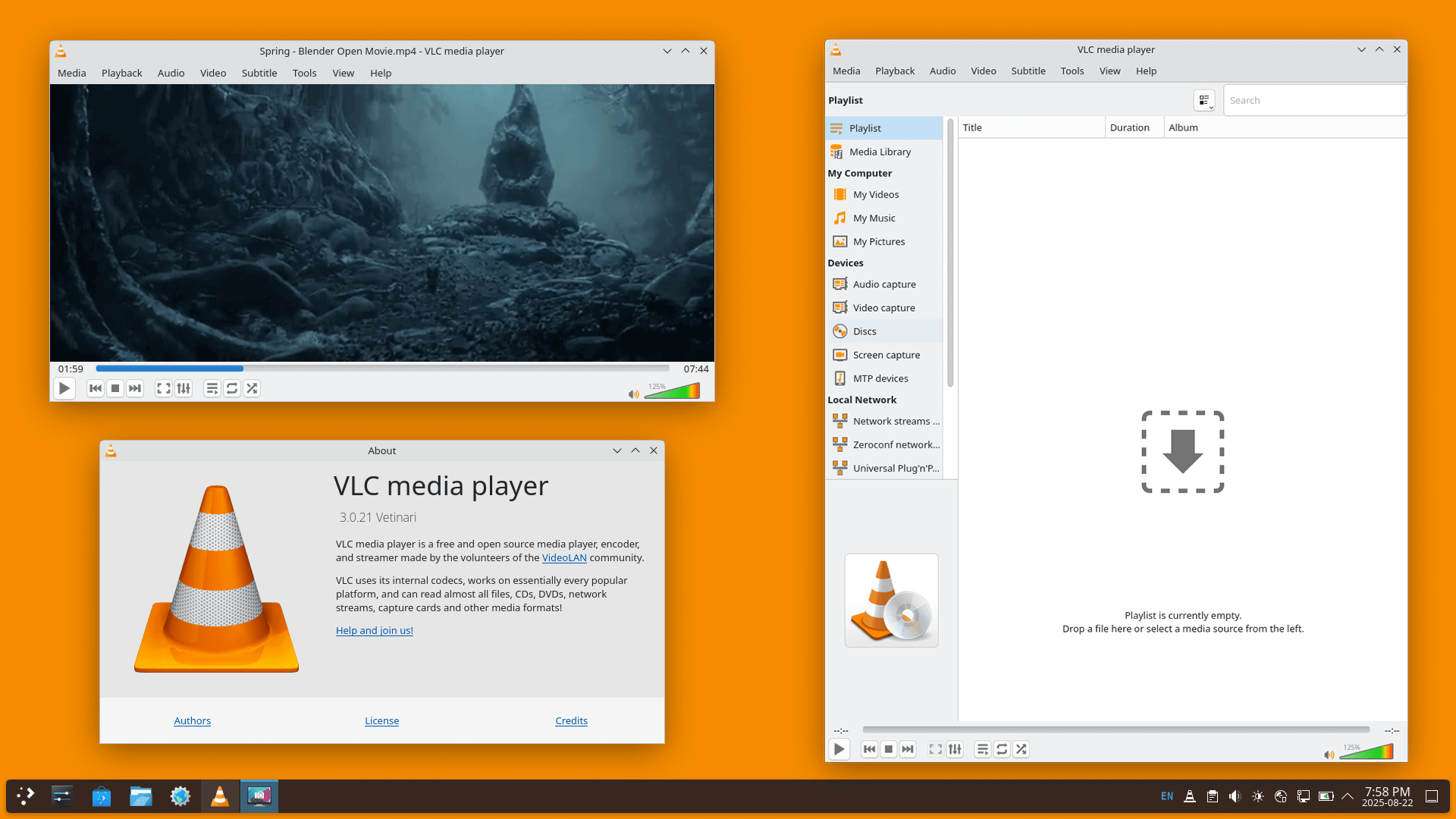
VLC can open and play media from local files, network locations, and streaming protocols. Browse your local network, connect to media servers, or open a direct stream URL.
No registration, no payment, no limitations. Download VLC now and unlock every feature instantly.

 English
 Arabic
 Chinese
 French
 German
 Hindi
Hindi Japanese
 Korean
 Portuguese
 Russian
 Spanish
 Thai
Thai Turkish